 DataCareph
Fix GitHub 403 Error: Write Access to Repository Not Granted
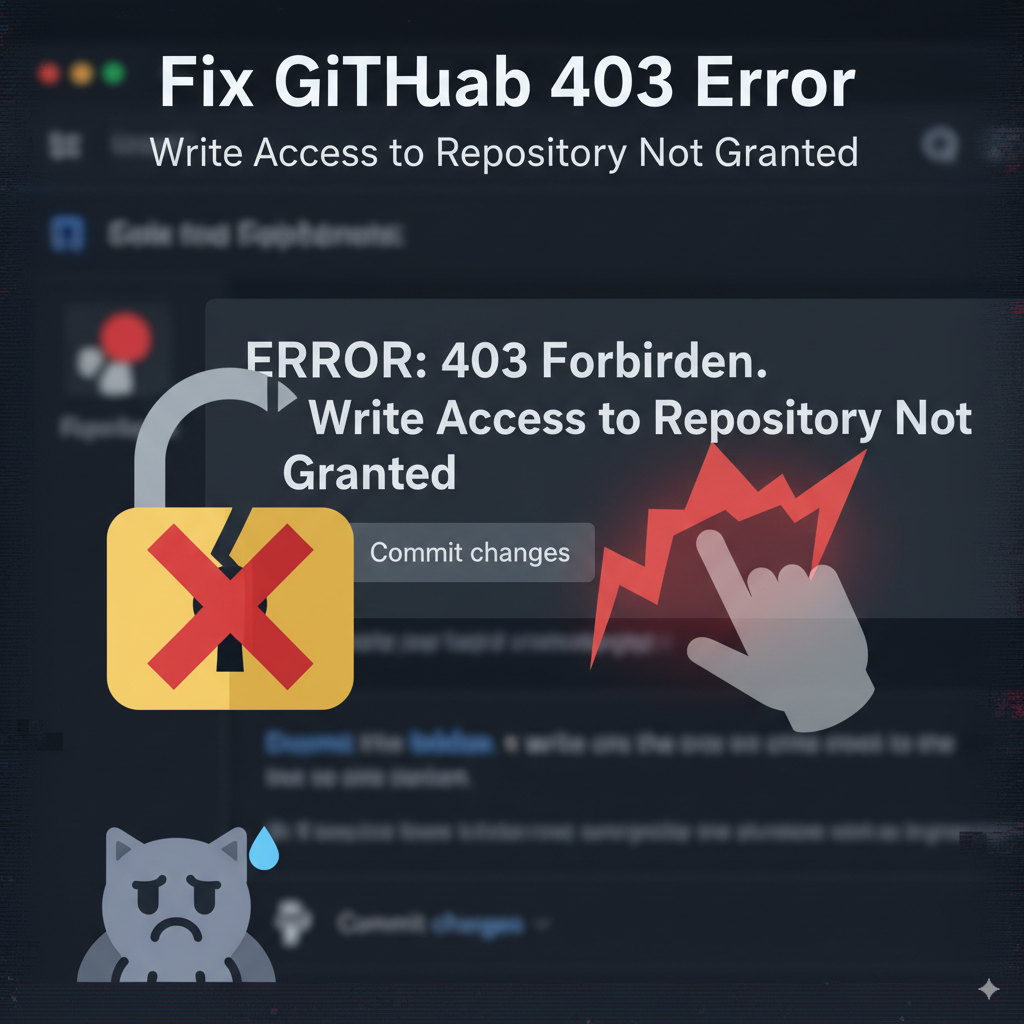
remote: Write access to repository not granted. fatal: unable to access ‘https://github.com/USER/REPOSITORY.git/': The requested URL returned error: 403
This happens because GitHub no longer accepts account passwords for Git operations. Instead, you must authenticate using a Personal Access Token (PAT) or SSH keys. Below is the clean step-by-step fix using HTTPS and PAT.
1. Verify your remote
Check your current remote:
git remote -v
If the URL is incorrect, fix it:
git remote set-url origin https://github.com/USER/REPOSITORY.git
2. Configure Git credential helper
Store credentials so you don’t need to re-enter them:
git config --global credential.helper store
On macOS you may also use the Keychain:
git config --global credential.helper osxkeychain
For per-repo credentials (safer):
git config credential.useHttpPath true
3. Clear cached or broken credentials (⚠️ Destructive Step)
Before doing this, make sure you have a copy of your GitHub Personal Access Token (PAT) saved somewhere safe.
Once you clear credentials, they are gone permanently, and you will need the token to log in again.
Remove old entries so Git will prompt you fresh:
git credential reject <<EOF
protocol=https
host=github.com
EOF
Also delete any saved credentials file (⚠️ destructive):
rm -f ~/.git-credentials
On macOS, also check Keychain Access for old GitHub entries.
4. Generate a GitHub Personal Access Token
Go to: GitHub → Settings → Developer Settings → Personal Access Tokens
Use Fine-grained tokens (preferred) or Classic tokens
Grant Contents: Read and Write permissions for your repository
Copy the token (it will look like
ghp_xxx...)
5. Re-authenticate with GitHub
Run:
git ls-remote origin
Git will prompt for credentials:
- Username → your GitHub username
- Password → paste your PAT
Since credential.helper store is enabled, Git saves this in ~/.git-credentials for future use.
🔧 Additional tips for super project (submodules)
If your repository uses Git submodules, you should resync them after fixing credentials to avoid stale or broken URLs:
git submodule sync --recursive
git submodule update --init --remote --recursive --force
This ensures that all nested repositories (submodules) are aligned with the correct authentication and remote configuration.
6. Test pushing
Finally, push your branch:
git push origin main
or whichever branch you’re working on.
✅ After these steps, both git ls-remote origin and git push will work without the 403 error.